Toggle Calculation State
Keyboard shortcut: Ctrl-Shift-F9
Volatile functions are those that force recalculation with almost any change in the state of a workbook, even if those changes are not direct inputs into the formula. If they are lengthy calculations then their existence can slow any spreadsheet to a crawl. A common way to deal with them is to temporarily suspend auto-calculation and then toggle it back on when you are ready to do the calculations.
An example is shown below: for a given sample I want to see what effect changing the bandwidth has on the calculation of a bootstrap BCa confidence interval. Like all the bootstrap functions, BootCI uses the volatile RANDARRAY function. So I created the first cell formula (to make sure that it worked) and then toggled the calculation state off and copied the formula. Maybe I have some other things to do that would trigger a recalc of volatile functions.
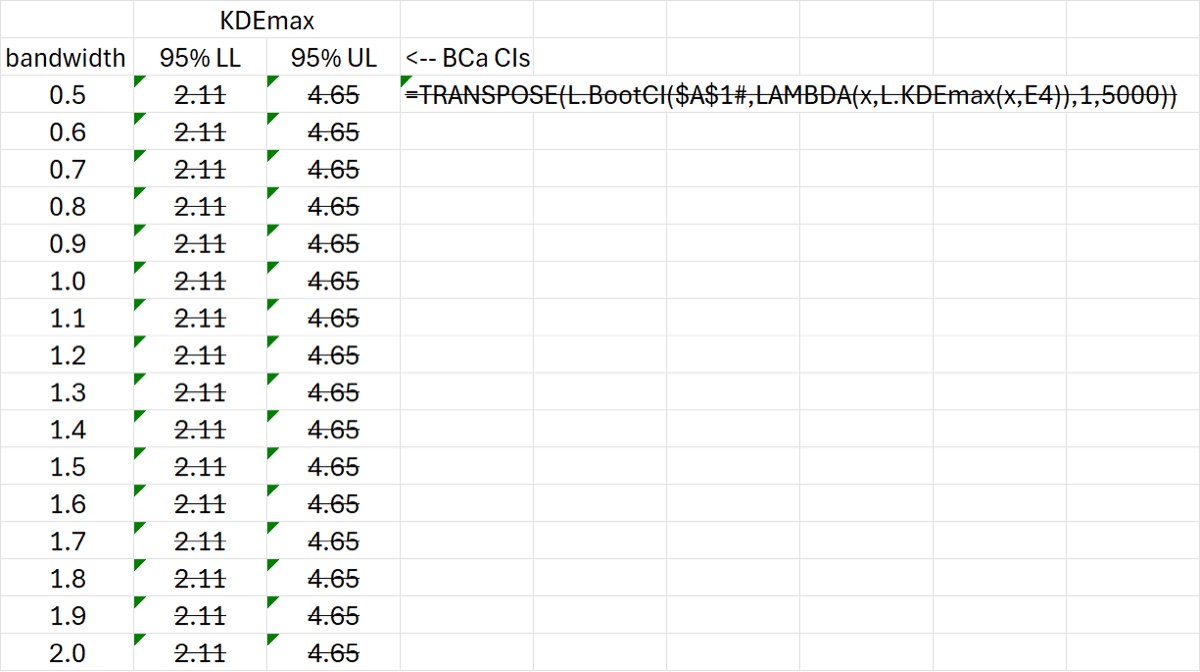
After copying, the spreadsheet looks like the image below. (Excel now indicates stale calculations with a strikethrough, which is a wonderful feature…until recently you wouldn’t even know that calculations were stale.)
After I turned auto-calculations back on (CTRL-SHIFT-F9) and then waited a while (both KDEmax and BCa calculations are computationally expensive) the following appeared.
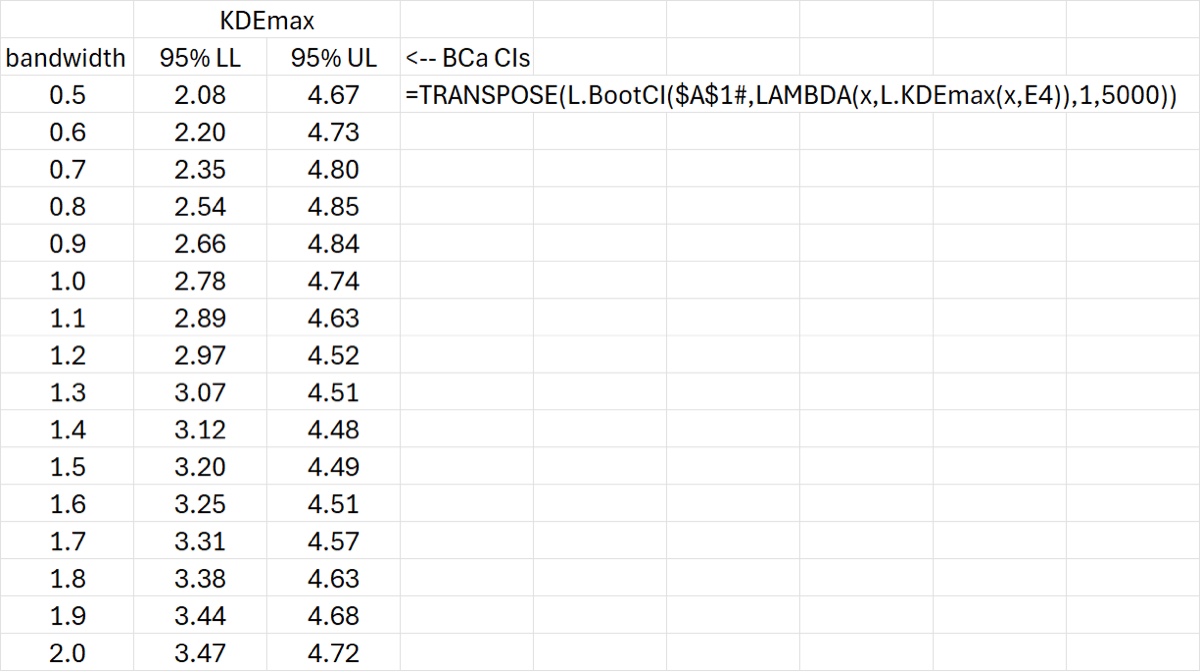
That calculation took about 30 sec on my computer. Which doesn’t necessarily sound terrible but imagine having to wait that long after every…single…change…to your spreadsheet, even if those changes don’t involve these calculations.
The next step after the calculations are complete is that I then copy and paste these calls as VALUES so they are no longer cell formulas; the output of FORMULATEXT (to the right of the calculation block) is there for documentation purposes so you can always redo the calculations if you wish.
The spreadsheet is below. You will have to recreate the formula from the text if you want to practice using Ctrl-Shift-F9 to toggle auto calculations off and on.
Download: ToggleAutoCalc.xlsx