Display Help Table
Keyboard shortcut: Ctrl-Shift-H
This VBA procedure displays the Help window. It is a “modeless” window, meaning that you can work on your spreadsheet while keeping it displayed.
The keyboard shortcut of CTRL-SHIFT-H is worth remembering; it acts as a toggle to show or hide the window. When you first show the window it looks like the window below.
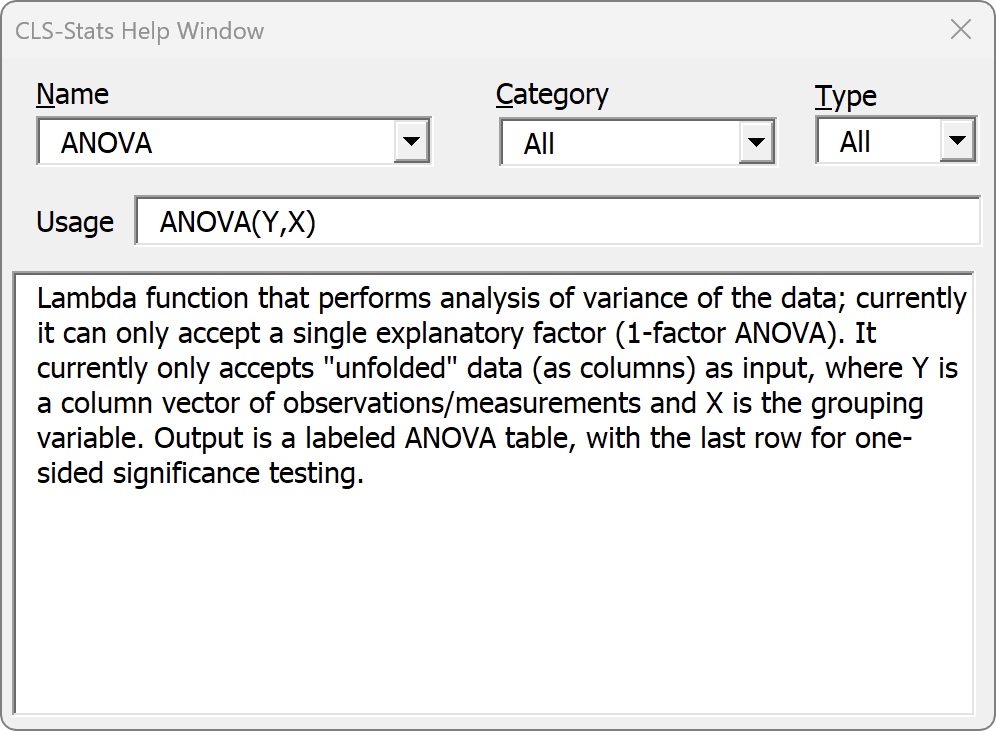
You can search for a function or VBA routine in the Name field or narrow the possibilities with the Category dropdown. If you hide the window but stay in the same workbook, it will remember its state when you redisplay it.
If you switch to another Excel workbook the Help window might become obscured. You can type the keyboard shortcut twice (CTRL-SHIFT-H ) and it will be displayed again though when called from a different workbook it will re-initialize its state and forget the last search.