Delete Lambda Functions
Another simple lambda management procedure: it deletes all CLS-Stats lambda functions that are in the current workbook. It is all or nothing, but it will not touch non-CLS-Stats lambda functions that you may have defined.
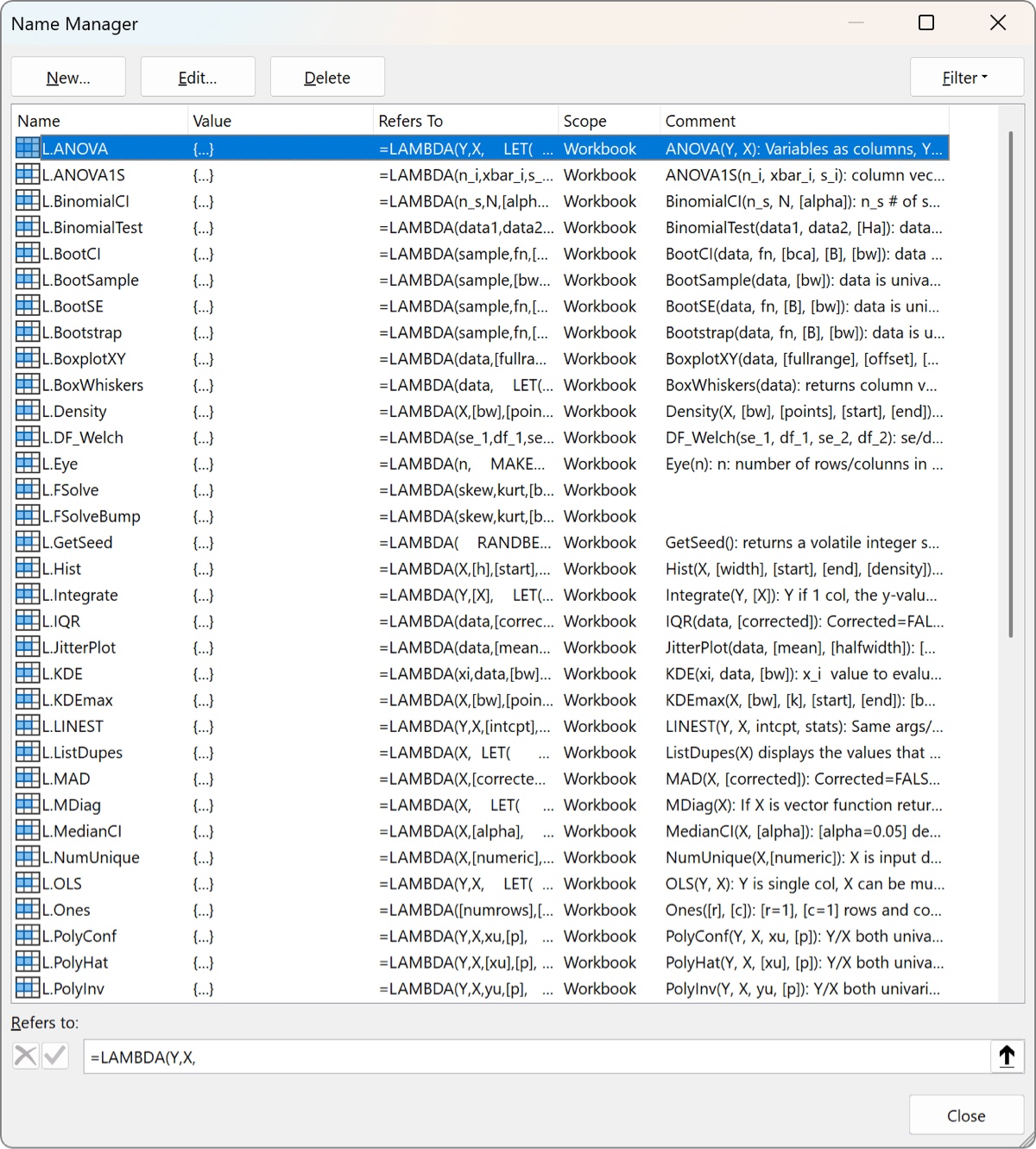
If you want finer control over deletions you can use Excel’s Name Manager (Ctrl-F3 or go to the Formulas Ribbon). Displaying it will show you something like the window below. You can also rename the functions with this window if you like. Note that any other named ranges, functions, or other lambdas will also be displayed here.
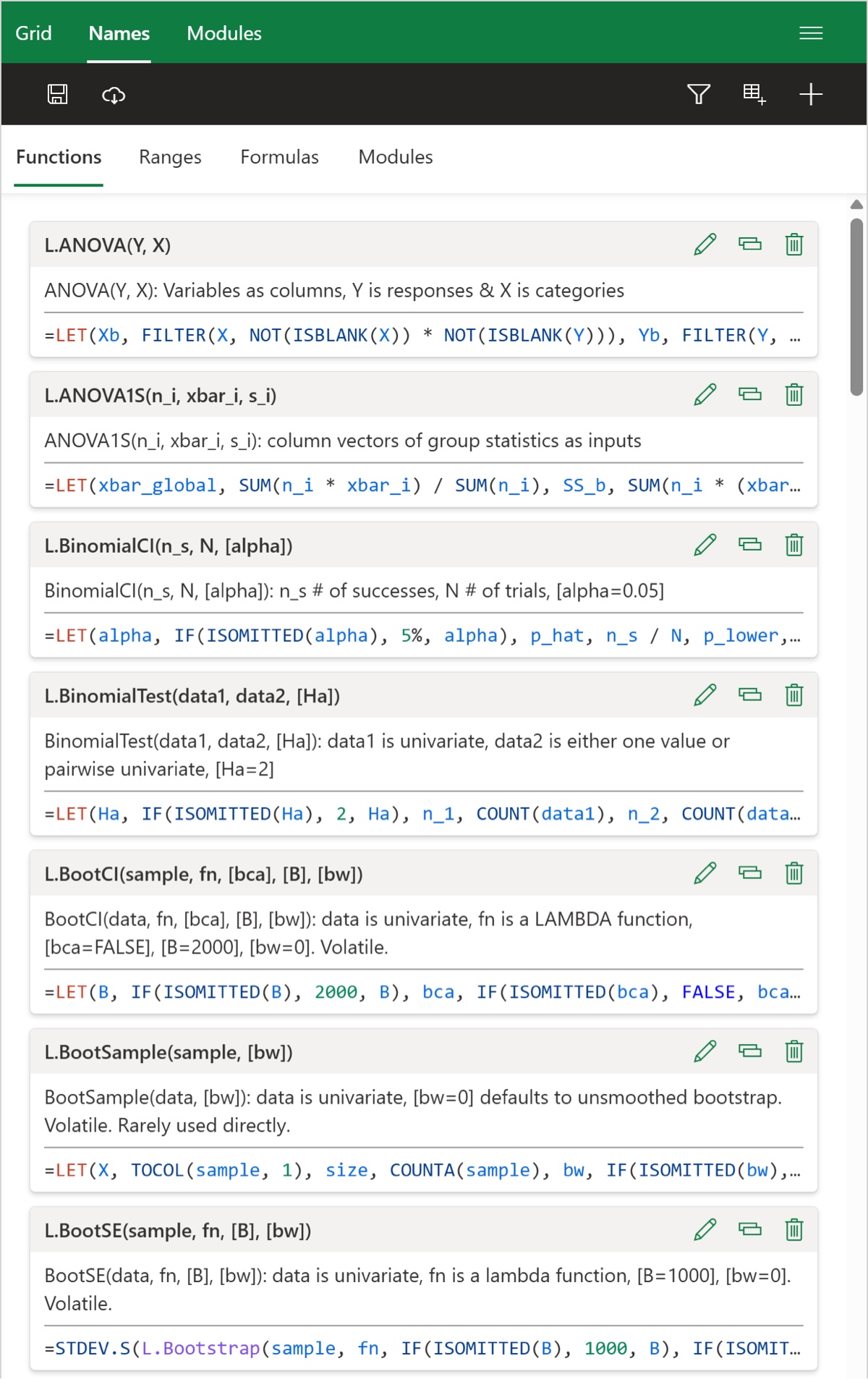
It is worth pointing out that the Excel Labs add-in (from Microsoft) allows you to examine and even edit the lambda functions. You want to use the Advanced Formula Environment feature of the add-in (they also have a Python editor – yes, you can use Python in Excel). After installing and clicking on the icon you will see a side panel such as the one below (if you navigate to the right tab). Click on the trashcan to delete or the pencil to rename or edit the lambda function.